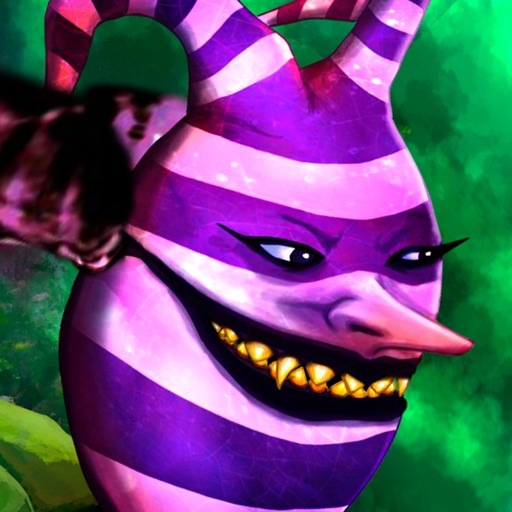
Flashlight.

- Publisher: Apps From Outer Space, LLC
- Genre: Utilities
- Released: 1 Feb, 2019
- Size: 22.0 MB
- Price: FREE!
 Click here to request a review of this app
- App Store Info
Description
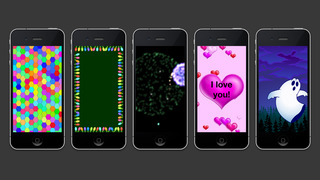
Flashlight goes way beyond the standard white light that it provides into a world you can illuminate with special effects that you customize. Effects include magnifying lens, candy hearts that you can personalize, fireworks, festive holiday lights, Halloween ghosts and goblins, photos, and more. The potentially life-saving white light this app provides is a must, but the colorful world you can also create with it is even better!PLEASE NOTE: Continued use of the LED flash may dramatically decrease battery life.
Features:
- Use LED light on iPhone 4, including as a strobe light
- Full white screen
- Open to the effect of your choice
- Custom color (defaults to Bondi Blue)
- Slide/flick up and down to dim the screen
- Slide with two fingers to change the speed of effects
- Customize every screen and colors
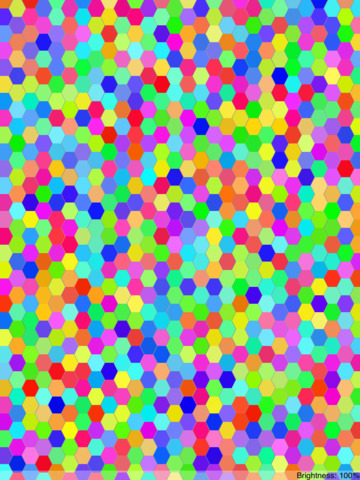
- Strobe light modes: Strobe, Trippy, Deep Trippy, Abyss Trippy, S.O.S., Smooth, 2-Color, 6-Color, Yin-Yang, Chasers, Holiday Lights, Hearts, Hexy, Stars&Stripes, and Halloween.
What's New in Version 8.2
Bug fixes and performance improvementsScreenshots