Important information

This site uses cookies to store information on your computer. By continuing to use our site, you consent to Steel Media's privacy policy.

Steel Media websites use two types of cookie: (1) those that enable the site to function and perform as required; and (2) analytical cookies which anonymously track visitors only while using the site. If you are not happy with this use of these cookies please review our Privacy Policy to learn how they can be disabled. By disabling cookies some features of the site will not work.


Quarters!!


Quarters!!
Download on the AppStore Click here to request a review of this app

  • App Store Info

Description

NEW Feature! Play in true HD via Airplay to your HDTV set or an HDMI adapter cable!

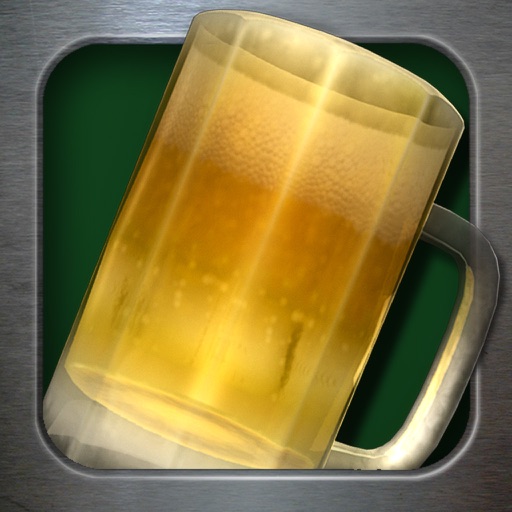
Quarters is the most popular drinking game of all time, and now we present it to you in 3D for iOS! You can choose from 9 different coins, and play up to 7 people. The more you play, the more wobbly the camera becomes, so getting the coin in the beer mug gets harder and harder.

To play on an HDTV with Airplay you must have an iPad 2 running iOS 5 and an Apple TV connected to your TV set. At any time (before or after launching the game) you can turn on Airplay by double-tapping the iPad's Home button, swipe right, and then tap the Airplay icon at the bottom of the screen. If Airplay is available you'll see "AppleTV" in the Airplay dialog, so select that and then turns Mirroring ON.

What's New in Version 2.1

• Support for iPhone 5's larger screen

Screenshots

Screenshot 1 of 10 Screenshot 2 of 10 Screenshot 3 of 10 Screenshot 4 of 10 Screenshot 5 of 10 Screenshot 6 of 10 Screenshot 7 of 10 Screenshot 8 of 10 Screenshot 9 of 10 Screenshot 10 of 10