Duality Prime

- App Store Info
Description
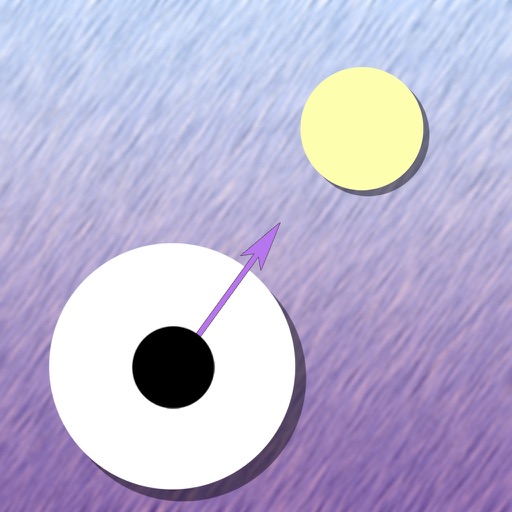
*** The full version of Duality is available as part of the AppConvoy Puzzle Pack- get 8 great puzzle games for one low price ***Solve each puzzle by moving two orbs through the maze so that the blue orb reaches the target. The two orbs always move in unison, so if either orb is blocked in a given direction, it's not possible to move in that direction. To unblock areas of the board, navigate the orbs against force fields, which change the distance between the two orbs and open up new paths through the maze.
Features:
• Multiple undos through the use of a rewind gesture
• 8 levels of increasing difficulty
• Automatic save across multiple levels in progress
• Easy navigation: Just drag your finger in the desired direction
• Return to previously solved levels to pick up hard-to-reach bonuses for added replay value
NOTE: This is the free version of Duality with fewer levels. The 8 included levels are different from the 50 found in the full version, but are still representative of the kind of game play offered by the beginner and intermediate levels of Duality.
What's New in Version 1.1
• iOS 4 Tested• Rebranded to "Duality Prime" from "Duality Lite"
• Added website link to "About' screen
• Added screen to emphasize the full version of the game
• "Slow", "Default", and "Fast" drag speeds are tappable in the "Settings" screen
Screenshots