iLiveMath Trains

- Publisher: iHomeEducator
- Genre: Education
- Released: 13 Jul, 2010
- Size: 15.8 MB
- Price: $4.99
 Click here to request a review of this app
- App Store Info
Description
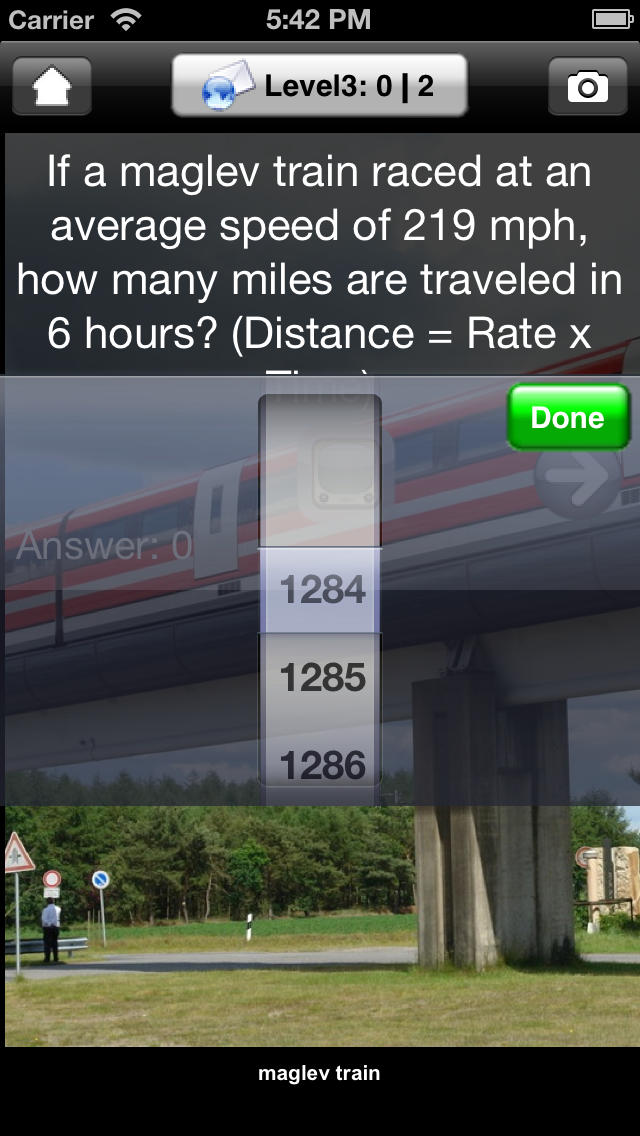
Featured on What's Hot on iTunes plus 247mom App of the Week and pragmaticmom.com. This app was specially designed for our son who loves trains. We look forward to many nights together counting train cars before bedtime. iLiveMath Trains introduces word problem concepts using speed, weight, and goods.The natural language engine also generates questions around the art of stamp collecting, trade, countries, and currency. Do you remember the joy of riding your first train? The excitement as you felt the whistle blow and the engineer call "All Aboard!". Did you ever collect stamps as a child or as an adult? Categorizing all the train stamps on one page. Stamp collecting is a hobby which opens up teaching opportunities for many families around the world. iHomeEducator has released a new educational app for K to 6th grade. iLiveMath Trains which includes over 60 photos of trains, educational links, and educational videos with a natural language word problem generator that creates an endless stream of questions to challenge and engage your students. Family-friendly videos are filtered from Youtube.
=================
iHomeEducator is a member of Moms with Apps, a collaborative group of family-friendly developers seeking to promote quality apps for kids and families. Recommended Ages: 3-6,6-10
Categories: Math, Addition, Subtraction, Multiplication, Division
What's New in Version 8.0
Maintenance update and minor cosmetic changes include:New button designs,
Number picker has a white background.
Tested on Xcode 8.2
New screenshots
Screenshots





 $4.99
$4.99